
You can include lifestyle photos, videos, interactive hotspots that highlight key product features, comparison charts, and carousels. Those are Amazon’s own words, from the FAQ on its A+ Content page — the five official content types, plus brand-story style brand content framing them. So the real question isn’t what’s allowed; it’s what each type does best, and which ones your product actually needs.
Here’s each type, made practical from the designer’s side.
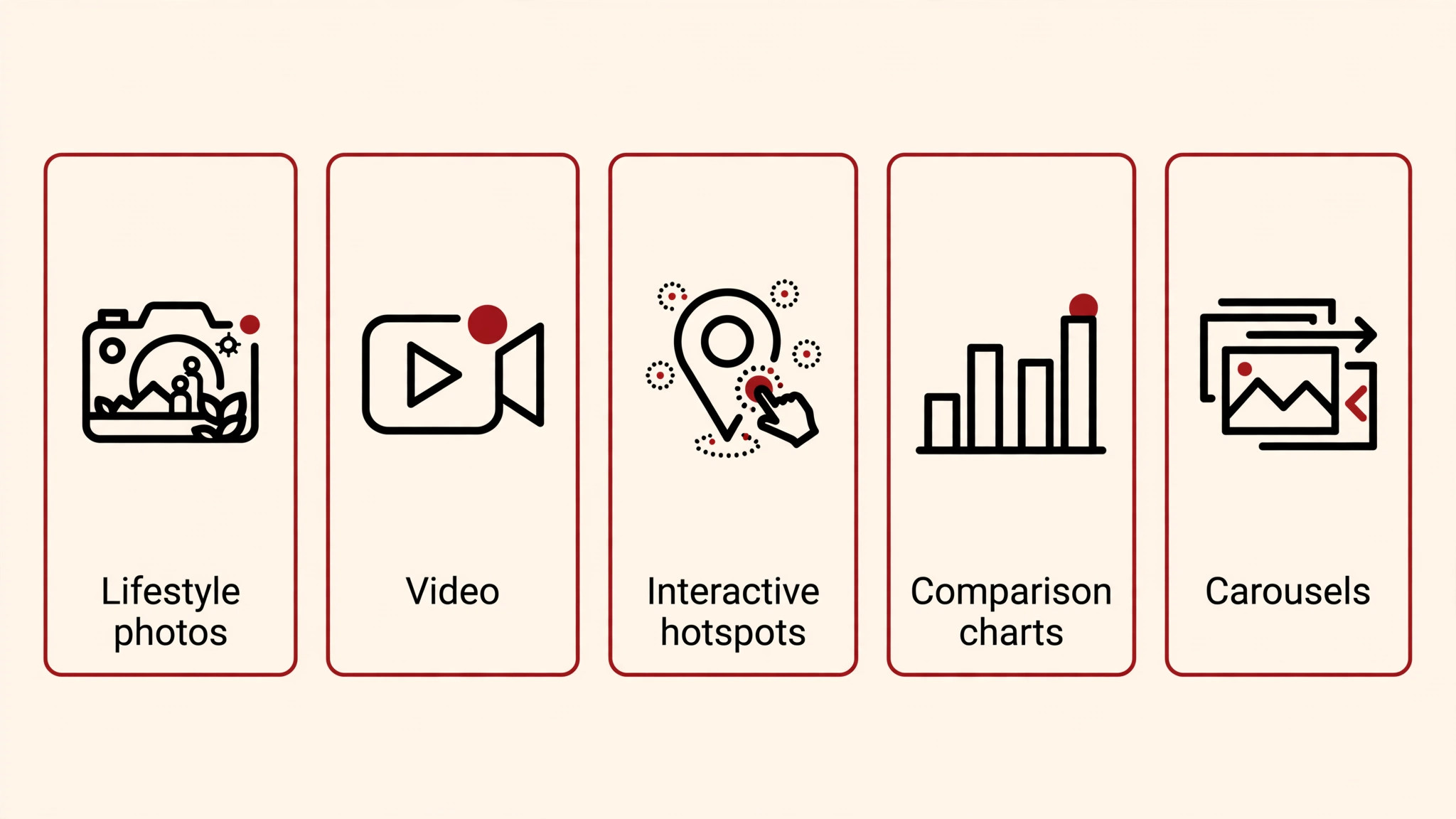
- Lifestyle photos — where most sales happen.
Product in use, in context: the tool in a hand, the kitchen gadget mid-cook, the organizer on a real desk. Studio white backgrounds explain the product; lifestyle sells the outcome. For most categories I work in, this is the highest-leverage content type — it’s the moment the buyer pictures ownership. If your A+ is all white-background product shots, you’re describing when you should be persuading. - Videos — short clips inside A+ modules.
Product overviews, demos, setup walkthroughs. One practical caution from my side: video tends to draw a closer manual review, so keep the content clean and claim-free (my post on how long A+ approval takes covers the review side). Use video for what stills can’t show — motion, process, scale in real time — not as a narrated version of the same panels. - Interactive hotspots — clickable callouts on a hero image.
Tap a point on the product photo and a feature explanation appears. Best for products with several distinct features worth pointing at individually — a multi-function tool, a bag with considered compartments, anything where the buyer benefits from exploring. Don’t use hotspots on a simple product just because the module exists; interactivity without information is decoration. - Comparison charts — shoppable side-by-sides.
Amazon’s FAQ specifically notes these come with “Add to Cart” functionality. The rule that matters: compare against your own lineup or a generic baseline — never name a competitor (“better than Brand X” is a rejection trigger). A good comparison chart is a cross-sell engine: the buyer came for one ASIN and leaves considering two. - Carousels — swipeable image sequences.
Step-by-steps, use cases, feature tours. This is the skimmer’s friend — a sequence a buyer can swipe through in seconds and still absorb. My article on structuring A+ modules for skimmers goes deep on sequencing; the carousel is the module that does that job natively.
Around all five: brand-story modules. Your logo, your brand values, the “why us” — these frame the product content and turn a product page into a brand page. My A+ examples article walks through the brand-story pattern as a worked example; I’m not re-teaching it here.
A short guardrail list — what you may NOT include:
No pricing or promotional language (“cheap,” “sale,” “buy now,” “limited-time offer”). No guarantees (“100% satisfaction,” “money-back”). No competitor names. No contact details, QR codes, or links outside Amazon. No review screenshots lifted into images, no unauthorized third-party logos, no misleading or offensive content — and eco-claims like “biodegradable” need proof via certifications. One timely note for 2026: photorealistic AI-generated people in your A+ creative must be tagged with the contains-synthetic-performer XMP keyword, or the piece risks rejection. The full rejection catalog lives in my posts on why A+ gets rejected and A+ mistakes that kill conversions — link, don’t repeat.
A quick checklist before you build:
- Pick the 2–3 content types your product’s questions demand — not all five by default
- Lead with lifestyle; support with one information-dense type (hotspots, comparison, or carousel)
- Keep every claim factual and substantiable — Amazon reads the images, not just the copy
- Check the spec side too: my A+ image sizes and requirements guide has the module specs these content types sit inside
Mini-FAQ
Can I use video in Basic A+ Content, or only Premium?
Module availability differs between tiers — check my sizes and requirements guide for the current spec breakdown rather than assuming video is everywhere.
Can I compare my product against a competitor’s in a comparison chart?
No — never name a competitor. Compare against your own product lineup or a generic “standard model” baseline. Named-competitor comparisons are a rejection trigger.
Do I need all five content types in one A+ build?
No. Most strong A+ pages I design lean on two or three types done well — usually lifestyle plus one interactive or comparison element, framed by brand-story modules. Five types used thinly loses to two types used well.
Building A+ Content and want the content types matched to your product’s actual buyer questions? That’s what I do — see the A+ service or get in touch.

Azam Khan Tarakai
Founder, Lystiq Creative — Amazon Listing Image & A+ Content Designer
I design Amazon listing images, A+ Content, Brand Stories and Storefronts that turn browsers into buyers — built on my C.A.S.H. Creative Framework™.