
No — not literally every product. But if you sell under your own registered brand, most of your catalog qualifies. Amazon’s own A+ page puts it plainly: you can only apply A+ Content to your brand-owned ASINs. Everything flows from that one sentence.
I get asked this question constantly, usually by sellers who are about to invest in an A+ build and want to know how far it will stretch. The honest answer is a gate system: three checks you either pass or you don’t. Let me walk you through them.
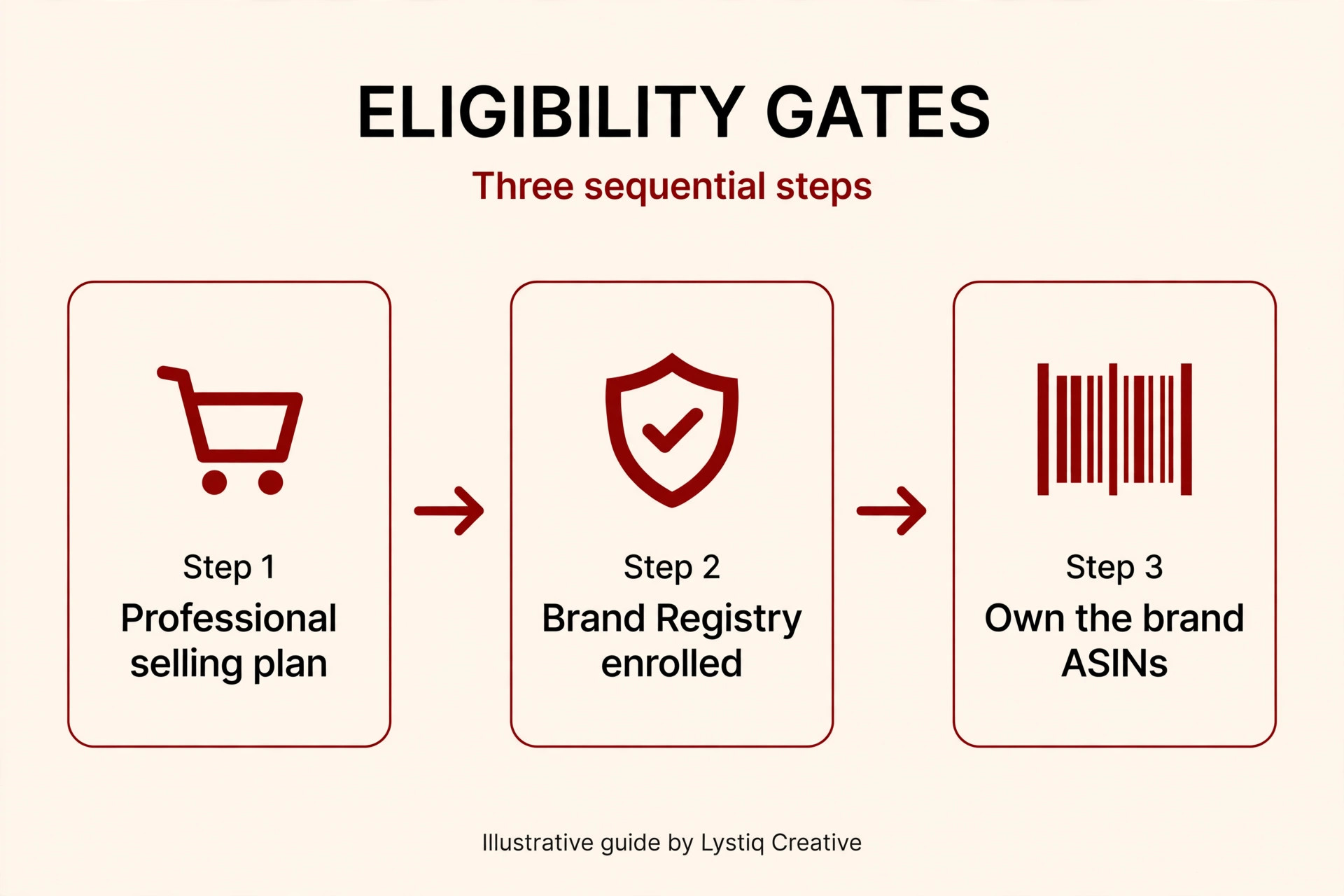
The Three Gates to A+ Content Eligibility
Gate 1: A Professional selling plan
Amazon lists this as step one on its own A+ Content page. If you’re on the Professional selling plan, you’re through this gate.
Gate 2: Brand Registry enrollment
This is the master key. Your brand must be enrolled in Amazon Brand Registry — either as the rights owner, or with a Brand Representative or Reseller selling role assigned by your brand admin. No enrollment, no A+. And note: submitting a Brand Registry application isn’t the same as being enrolled — enrollment is the requirement, and your account’s roles and permissions matter.
Gate 3: You own the ASINs
The ASINs must belong to your registered brand. You must own the ASIN’s content per the Global Catalog Identifier (GCID) — in plain terms, you control the detail page — and have an active offer on the ASIN. If all three gates are passed, the ASIN is eligible.
Who’s In and Who’s Out
Amazon vendors are in too. A+ Content is available to both marketplace sellers in Brand Registry and Amazon retail vendors. One wrinkle worth knowing: if a vendor has already contributed A+ to an ASIN, a marketplace seller can’t add or edit their own version on that ASIN. So check before you plan a build around it.
Resellers of someone else’s brand are out. This is the clearest “not all products” case, and it matters a lot for arbitrage and wholesale sellers: you cannot apply A+ to ASINs that belong to someone else’s brand. Only the brand owner can. If half your catalog is other people’s brands, A+ only covers your own.
Check Your Eligibility in 30 Seconds
1. Open A+ Content Manager
2. Click Start creating A+ Content
3. Search your ASINs in the ASIN picker
Eligible ASINs appear; ineligible ones don’t. That list is Amazon’s answer for your catalog — no interpretation needed.
And here’s the good news about scope: one piece of A+ content can cover many ASINs. You don’t need a separate build per product. The same layout can be applied to multiple brand-owned ASINs, and for large catalogs, bulk upload options exist. So even if not literally “all” your products qualify, the ones that do can share one build.
If your brand isn’t in Brand Registry yet, that’s the bottleneck to fix first — everything else stacks on it, from Premium A+ to Brand Story. If you’re already enrolled, the rest is straightforward.
Ready to put A+ to work on your eligible products? Check out my A+ Content design service, make sure your images meet Amazon’s A+ image size requirements, and read my breakdown of Premium A+ vs. Basic if you’re eligible for the premium tier.
Mini-FAQ
I’m a reseller with one private-label brand. Can I use A+ for that brand?
Yes — for the ASINs your registered brand owns. Your reseller listings for other brands stay out of scope, but your own brand’s products qualify once it passes all three gates.
I applied to Brand Registry. Can I start A+ now?
Not until enrollment is complete. Application isn’t the same as enrollment, so use the ASIN picker in A+ Content Manager to confirm before planning any design work. If Amazon’s requirements change — and they do — check Seller Central’s current requirements.
Does A+ have to be rebuilt for every product?
No. One approved A+ layout can be assigned to multiple brand-owned ASINs, so a single build can cover most of your qualifying catalog. That’s how you get real return on one design investment.